Free robots printable
Robot Color-by-Shape: 3 Free Printable Games
Download three original robot color-by-shape PNGs with printed keys, simple parent instructions and a four-shape space mission.
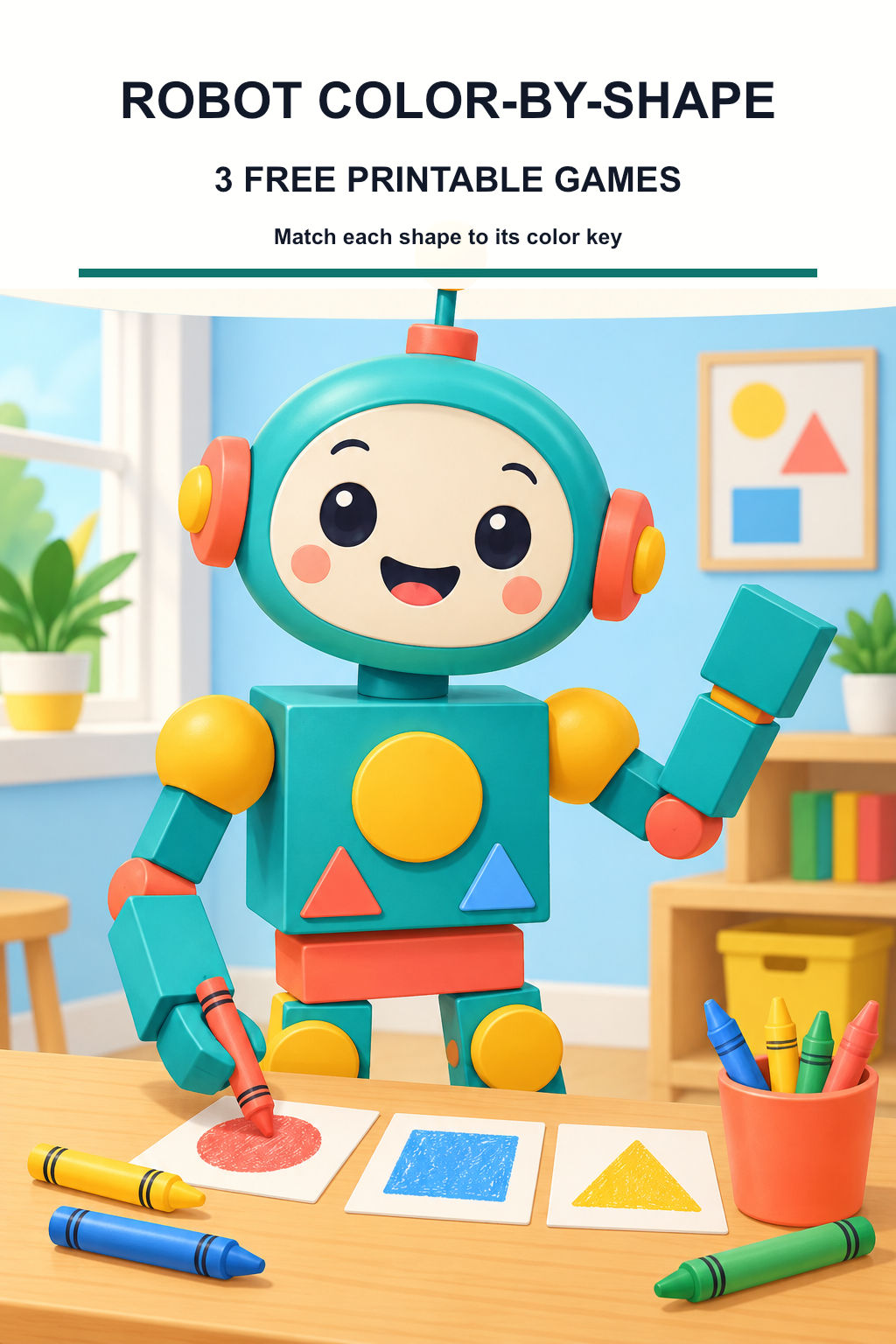
A circle can become a robot eye, a square can become its body, and a triangle can become a boot. These three free BoysColor games give each shape a color. Your child looks at the key, finds the matching shape on the robot, and colors that part. The result grows one decision at a time, without tiny numbers or a crowded hidden picture.
The pages offer three different rounds: a three-shape starter, a toolbox robot with a changed key, and a space mission using four shapes. Print just one or let the child choose. They do not need to finish all three in one sitting, and the activity does not have to become a speed or accuracy test.
Each black-and-white page below has its own free PNG download. The colorful cover illustrates the theme and is separate from the games. The optional Creative Fabrica workbook later in the guide is another creator’s product with different pages.
Read the key together before coloring
Print on Letter or A4 paper using Fit to page and check that the complete border and key are visible. Bring the colors named on the chosen page. Read the color words aloud for a child who does not read yet. You can make a small matching color mark beside each key entry before starting.
Point to one shape in the key and find one on the robot together. The corners on some panels are softened, but the overall shape is the clue. For the four-shape page, use the square entry for the equal-sided body and square chest button; use the rectangle entry for the wider head, mouth, arms and long legs. Although a square is a special rectangle in geometry, this game gives squares their own entry and uses rectangle for the visibly longer panels.
Color a large outer panel around its smaller shapes. For example, a square body can be blue while the triangle inside stays yellow. Thin connector lines and open gaps do not need a key color. If a color is unavailable or hard to distinguish, agree on a replacement and mark the change in the key first.
- Choose one sheet and read its printed key.
- Find one shape, point to its key color, then color it.
- Work through the other shape families and finish with a robot name or story.
1. Robot shape starter: three color families
Start with circles, squares and triangles. The square head and body offer large spaces, while the eyes, side pieces and hands give the child a different circular shape to find. The antenna, nose, chest panel and boots repeat the triangle clue in several places.
For an easy first round, color only the circles and stop. On another day, find the squares, including the smaller buttons. There is no need to count every shape or color the border. The name line at the bottom belongs to the child’s invention.
- Color the robot’s circles red.
- Color its square panels blue, leaving the smaller shapes inside for their own colors.
- Color the triangles yellow and give the robot a name.
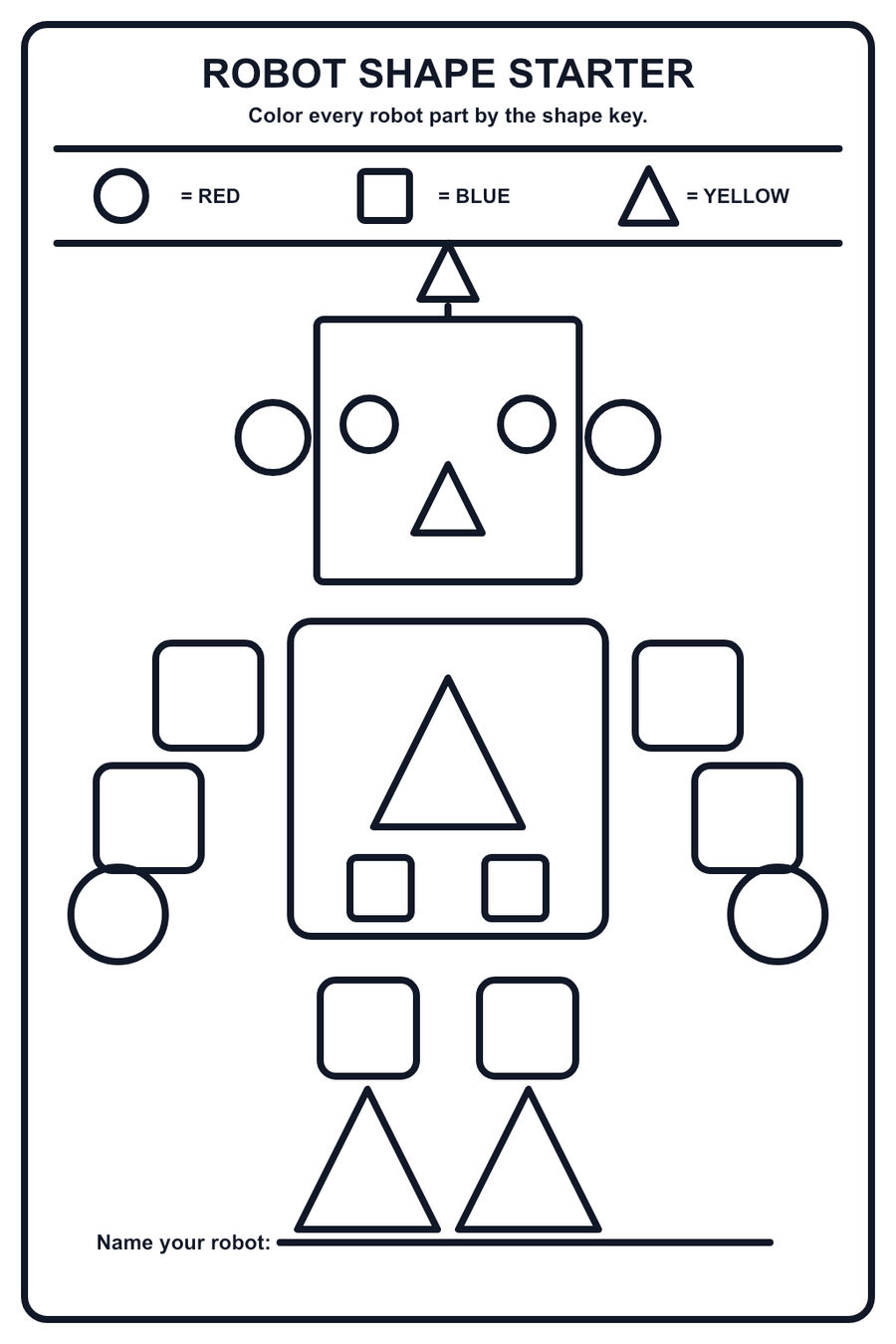
Download this free printable (PNG)
Ask your child: Which shape did you find in the most surprising place?
2. Toolbox robot: notice the new key
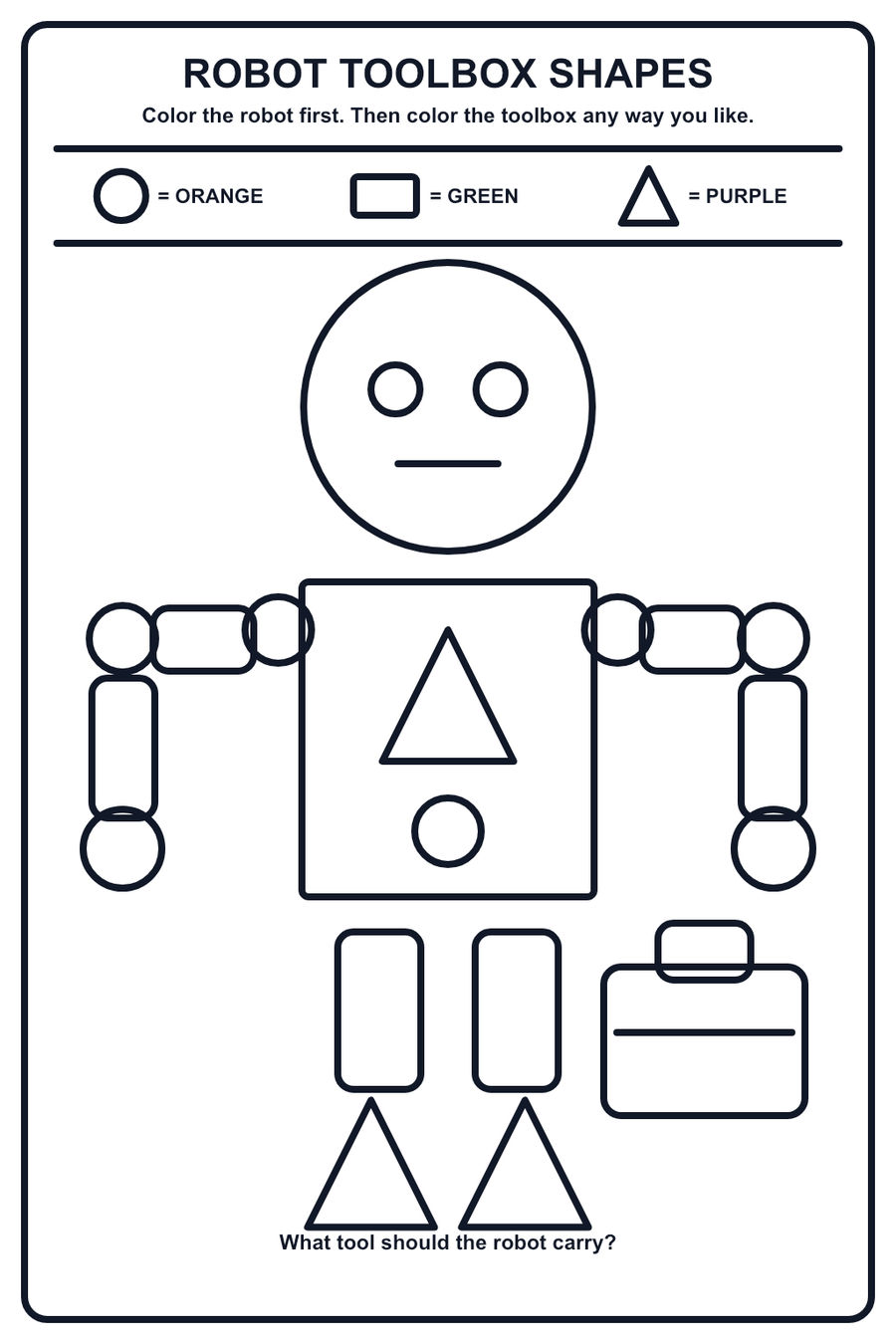
This robot changes both the shapes and their colors. Circles are now orange, rectangles are green, and triangles are purple. Read the new key rather than copying the first page from memory. Its round head, long arm pieces and triangle boots make the three families visibly different.
The toolbox is a free-color part of the scene. After completing the robot, choose any toolbox colors and draw one imaginary tool on the back of the paper. It might help the robot water a plant, repair a toy or carry something awkward. The story is optional; the shape game is already complete on its own.
- Check that circles have changed to orange.
- Use green for the robot’s rectangular panels and purple for its triangles.
- Color the toolbox freely and invent one tool it could contain.
Download this free printable (PNG)
Ask your child: What useful task would your toolbox robot try first?
3. Space robot: a four-shape mission
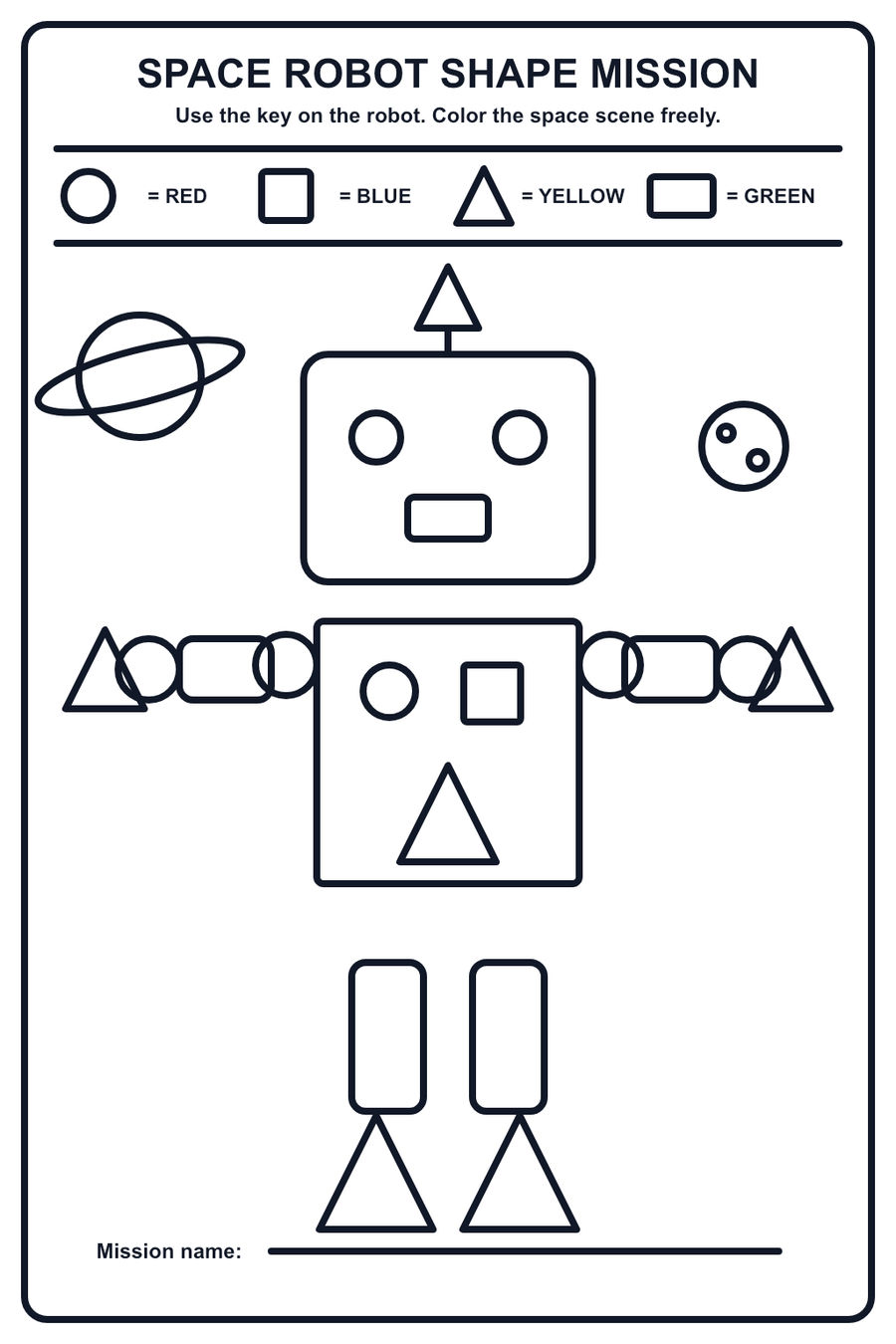
The last game uses four entries. Circles are red, squares blue, triangles yellow and the longer rectangular panels green. Find the square body and square button before looking for the wider head and longer limbs. This makes the difference between the two entries easier to discuss.
The planets and their details are free-color scenery. The child can finish the robot before making a blue planet, an orange moon or an imaginary pattern around the ring. Write a mission name on the bottom line, or have the robot announce its destination aloud.
- Point to one robot part for each of the four key entries.
- Use the key on the robot, including its smaller chest panels.
- Choose any colors for the space scene and name the mission.
Download this free printable (PNG)
Ask your child: Where is this robot going, and which part helps it get there?
Check one shape family, then try a new rule
For a quick answer check, pick a single family and compare it with the printed key. Page one uses red circles, blue squares and yellow triangles. Page two uses orange circles, green rectangles and purple triangles. Page three adds blue squares to red circles, yellow triangles and green rectangles. The toolbox, planets, name lines and page border are outside the robot key.
If a shape has a different color, ask which rule the child was following. They may have invented a new key or decided to color freely. You can enjoy that version, or point back to the original key and choose just one part to compare. A finished page does not need correction marks.
To play again, print a fresh copy and write a new agreed color beside each key entry. Or cover all but two entries and complete a shorter round. For open-ended robot play after the shape game, the separate Robot Jobs guide invites children to invent helpful roles instead of following a color key.
🤖 More robot coloring collections
5 hand-picked coloring page sets on the same theme.